

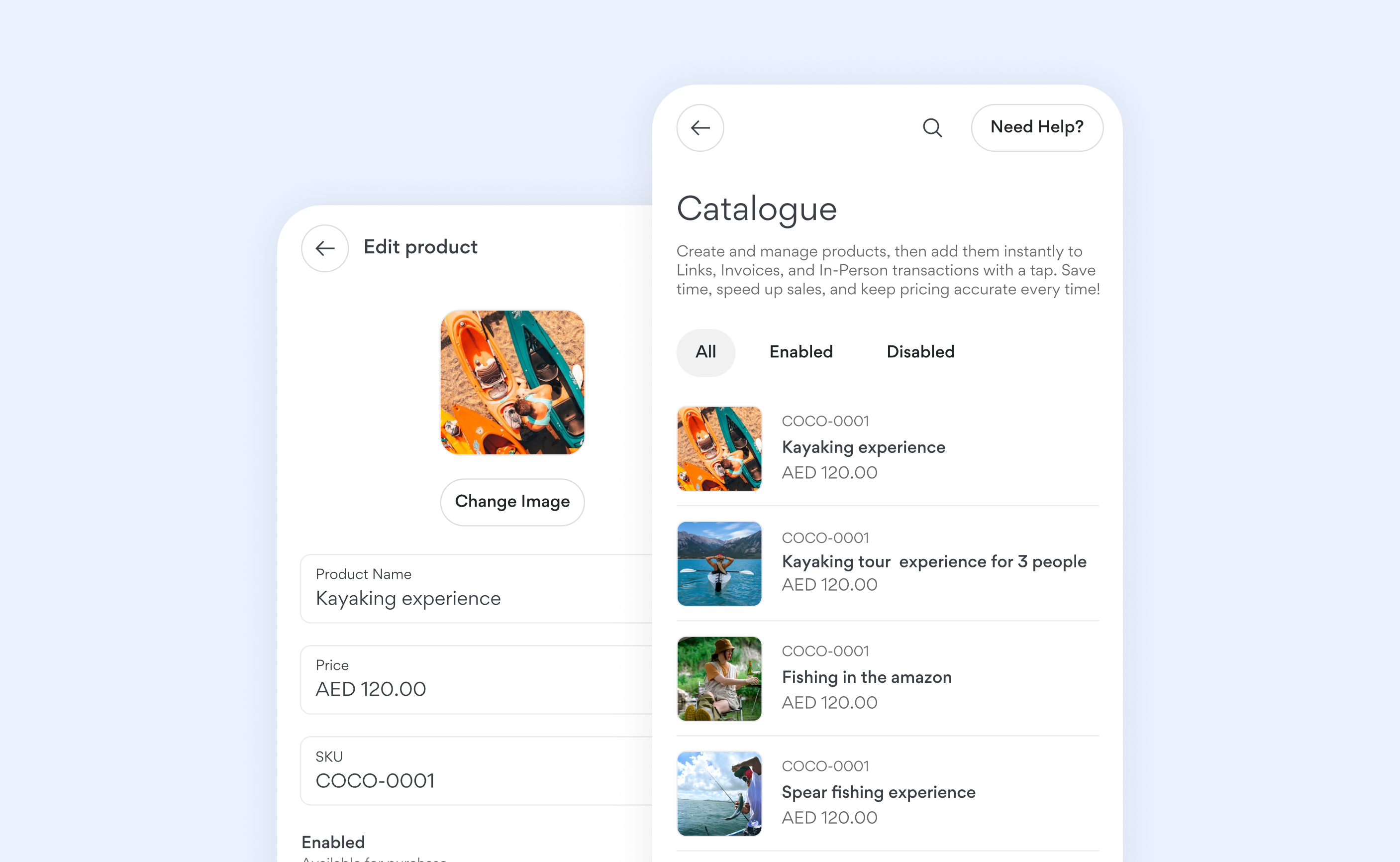
- Manage everything in one place: Keep all your products in a single, centralized catalogue, making it easier to manage pricing and update details.
- Save time: Add products directly to payment Links, Invoices, and In-Person transactions without re-entering details.
- Keep product details consistent: Avoid pricing errors by keeping all product details accurate and consistent.
Creating a product
Tap ‘Create product’ and select “Create”. Enter the product name, price, and SKU. You may also upload a photo of your product, which will be used in an upcoming feature we’re building. Once everything looks good, save it to add the product to your catalogue.Import products in bulk
- Tap ‘Create product’ and select ‘Import’.
- Choose the product file you want to upload. We support CSV, XLS, and XLSX formats. The file should include columns for the product name, price, and SKU.
- Upload the selected file. Once processing is complete, all valid products will be displayed.
- Select the products you want to import.
- Tap ‘Import’ to add the selected products to your catalogue.