

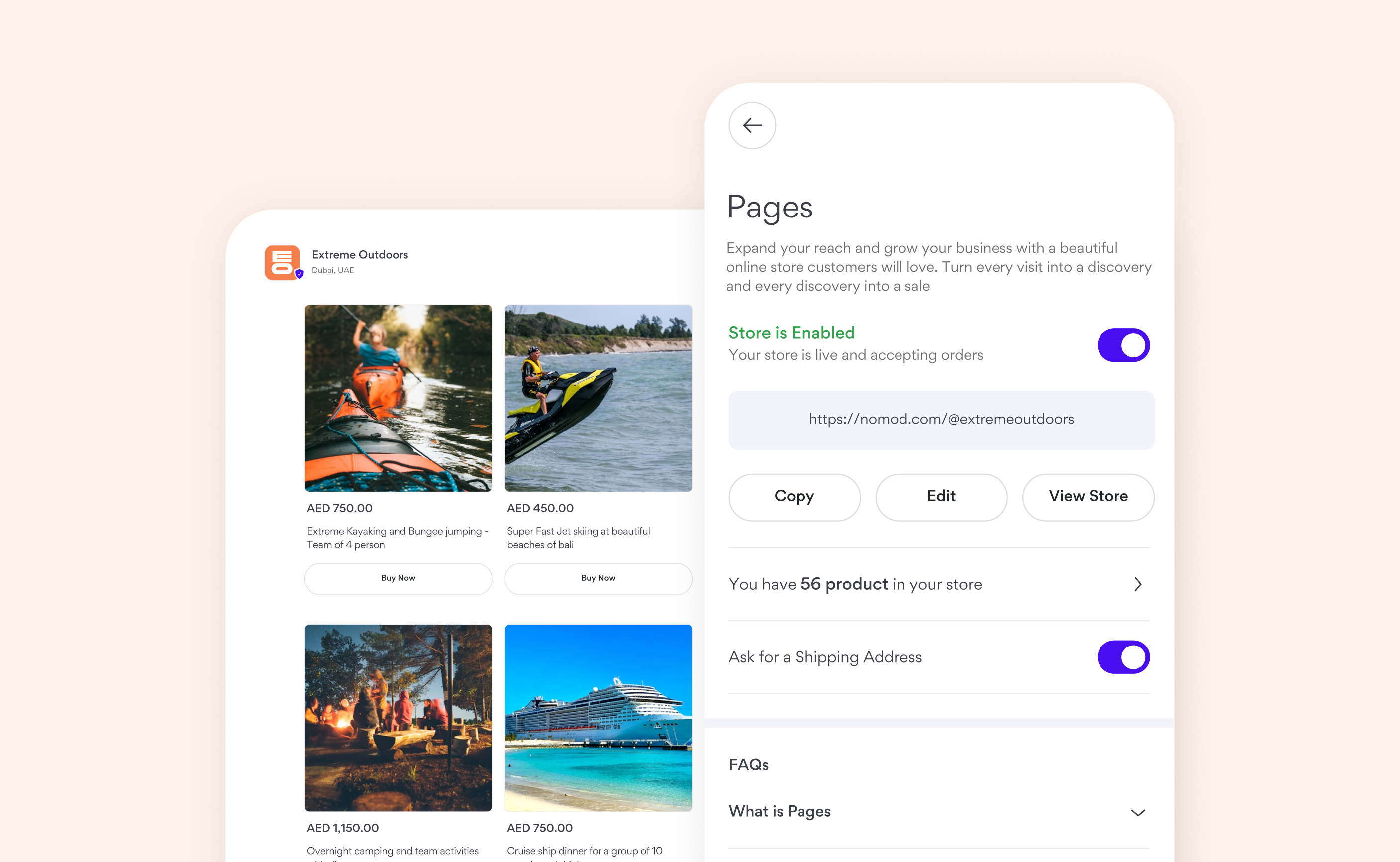
Setting Up Your Store
- Go to Settings > Business and tap on Manage your online store in the app
- Tap the toggle to take your store live
- All products that are enabled in your Catalogue will automatically appear in your store
How Customers Buy from Your Store
Customers visiting your store will see a list of your available products. When they find a product they want to buy, they simply tap Buy Now and are taken directly to checkout to complete their purchase securely. There’s no cart system, each product is purchased individually, keeping the process simple and fast for your customers. All payments are processed using the payment methods you’ve enabled in your Nomod account, such as card payments, Apple Pay, Google Pay, and more.Managing Your Store
You stay in full control of your store at all times:- Disable your store: You can turn off your store at any time. When disabled, customers won’t be able to see your products or place orders
- Manage products: Control which products appear by enabling or disabling items from your Catalogue
- Update your store’s appearance: Edit your logo, banner, background color, or store URL whenever you like